

Overview
The Gravity Forms Friendly Captcha Add-On provides a privacy-friendly, accessible alternative to traditional CAPTCHA solutions for protecting WordPress forms from spam and automated abuse.
Friendly Captcha is designed to verify visitors without intrusive image puzzles, audio challenges, tracking, or HTTP cookies. It is GDPR compliant and independently certified to meet WCAG 2.2 Level AA accessibility standards, making it a strong choice for organizations that prioritize privacy, accessibility, and a frictionless form experience.
With the Gravity Forms integration, simply add the Friendly Captcha field to a form and completed challenges are verified securely on the server before the submission is accepted. Global settings let you manage credentials and default behavior across your site, while field-level controls provide flexibility for individual forms.
Key Benefits
- Protect user privacy with a GDPR-compliant CAPTCHA that does not rely on HTTP cookies or user tracking
- Improve accessibility with a CAPTCHA certified to meet WCAG 2.2 Level AA standards
- Reduce friction for visitors by avoiding traditional image, text, and audio CAPTCHA puzzles
- Protect Gravity Forms from spam and automated submissions
- Add Friendly Captcha directly from the form editor’s Advanced Fields
- Verify challenge responses securely on the server before accepting an entry
- Choose between Global and EU verification endpoints
- Validate Friendly Captcha credentials from the WordPress settings page
- Set a default light, dark, or automatic widget theme
- Control when challenges begin using Focus, Auto, or None start modes
- Override theme and start-mode settings for individual forms
- Optionally disable form submission until verification is complete
- Use custom Gravity Forms validation messages
- Keep captcha response tokens out of saved form entries
- Support standard, AJAX-enabled, and multipage forms
How It Works
Connect the add-on to Friendly Captcha with a site key and API key, then add the Friendly Captcha field to a Gravity Form.
When a visitor submits a protected form, the add-on:
- Receives the completed Friendly Captcha response token.
- Sends the token and configured site key to the selected Friendly Captcha v2 verification endpoint.
- Authenticates the server-side request using the API key.
- Allows Gravity Forms to process the submission when verification succeeds.
- Displays a validation error when the challenge is missing, invalid, expired, already used, or cannot be verified.
- Discards the captcha token rather than saving it with the form entry.
Global settings control the default widget theme, start mode, API region, and submission behavior. Individual Friendly Captcha fields can override the global theme and start mode when a form needs a different experience.
For multipage forms, place the Friendly Captcha field on the final page so visitors complete the challenge immediately before submitting their entry.
Please log in to access this content. Log in
Requirements
- WordPress 6.5+
- PHP 7.4+
- Gravity Forms 2.9.24+
- A Friendly Captcha account
- A Friendly Captcha v2 site key
- A Friendly Captcha API key
Changelog
0.1.0-alpha.1
- First alpha release of the Gravity Forms Friendly Captcha Add-On.
- Adds a Friendly Captcha v2 field to protect forms from spam and abuse.
- Adds site key and API key validation on the add-on settings page, with dashboard links for creating keys and a masked API key field.
- View more
Documentation
Friendly Captcha Add-On Documentation
Integrates Friendly Captcha v2 with Gravity Forms using a dedicated form field to help protect forms from spam and automated abuse.
Key Features
- Adds a Friendly Captcha field to Gravity Forms under Advanced Fields
- Verifies captcha responses server-side through the Friendly Captcha v2 API
- Supports Global and EU verification endpoints
- Validates the site key and API key when settings are saved
- Provides global widget theme and start-mode settings
- Allows theme and start mode to be overridden per field
- Supports standard, AJAX, and multipage Gravity Forms
- Optionally disables the submit button until the challenge is complete
- Optionally accepts submissions when Friendly Captcha returns an HTTP 400 or 401 configuration error
- Loads frontend assets only on forms containing a Friendly Captcha field
- Prevents captcha response tokens from being stored in Gravity Forms entries
- Supports translatable user-facing messages
Requirements
- WordPress 6.5+
- PHP 7.4+
- Gravity Forms 2.9.24+
- A Friendly Captcha account
- A Friendly Captcha v2 site key
- A Friendly Captcha API key
Installation
- Copy the plugin directory to:/wp-content/plugins/gravityformsfriendlycaptcha Alternatively, upload the plugin ZIP through Plugins → Add New → Upload Plugin.
- Ensure Gravity Forms is installed and active.
- Activate Gravity Forms Friendly Captcha Add-On.
- Open Forms → Settings → Friendly Captcha.
- Enter and save your Friendly Captcha site key and API key.
Using the Add-On
A typical setup is:
- Create an application and site key in the Friendly Captcha dashboard.
- Create a Friendly Captcha API key.
- Save both credentials under Forms → Settings → Friendly Captcha.
- Edit a Gravity Form.
- Add the Friendly Captcha field from Advanced Fields.
- Optionally customize the field theme, start mode, or validation message.
- Save and test the form.
Only one Friendly Captcha field can be added to each form.
For multipage forms, place the field on the final page so the challenge is completed immediately before submission.
Plugin Settings
Location:
Forms → Settings → Friendly Captcha
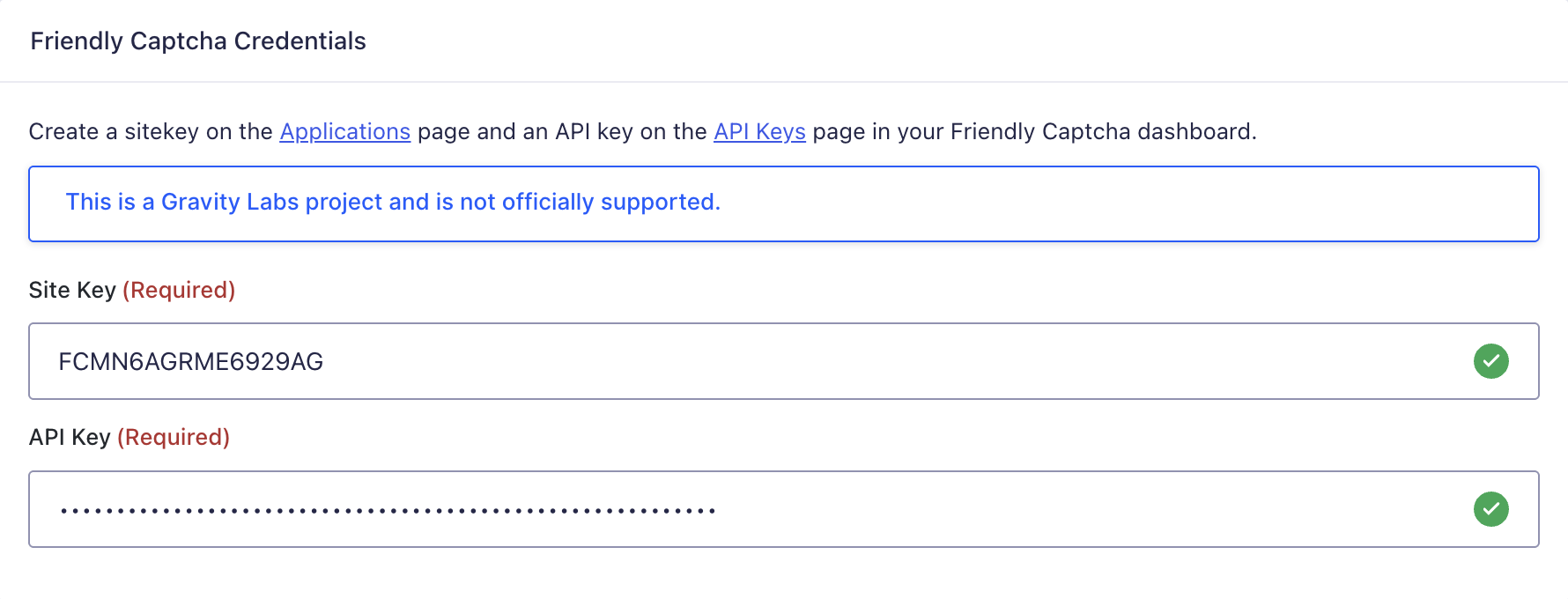
Site Key
The site key identifies the Friendly Captcha application associated with the form widget.
Create a site key from the Applications section of the Friendly Captcha dashboard.
API Key
The API key authenticates server-side verification requests to Friendly Captcha.
Create an API key from the API Keys section of the Friendly Captcha dashboard.
The API key is entered through a password-style field and is used only for server-side requests.
The add-on validates the site key and API key together when settings are saved. Both credentials must be configured before the field can be used.
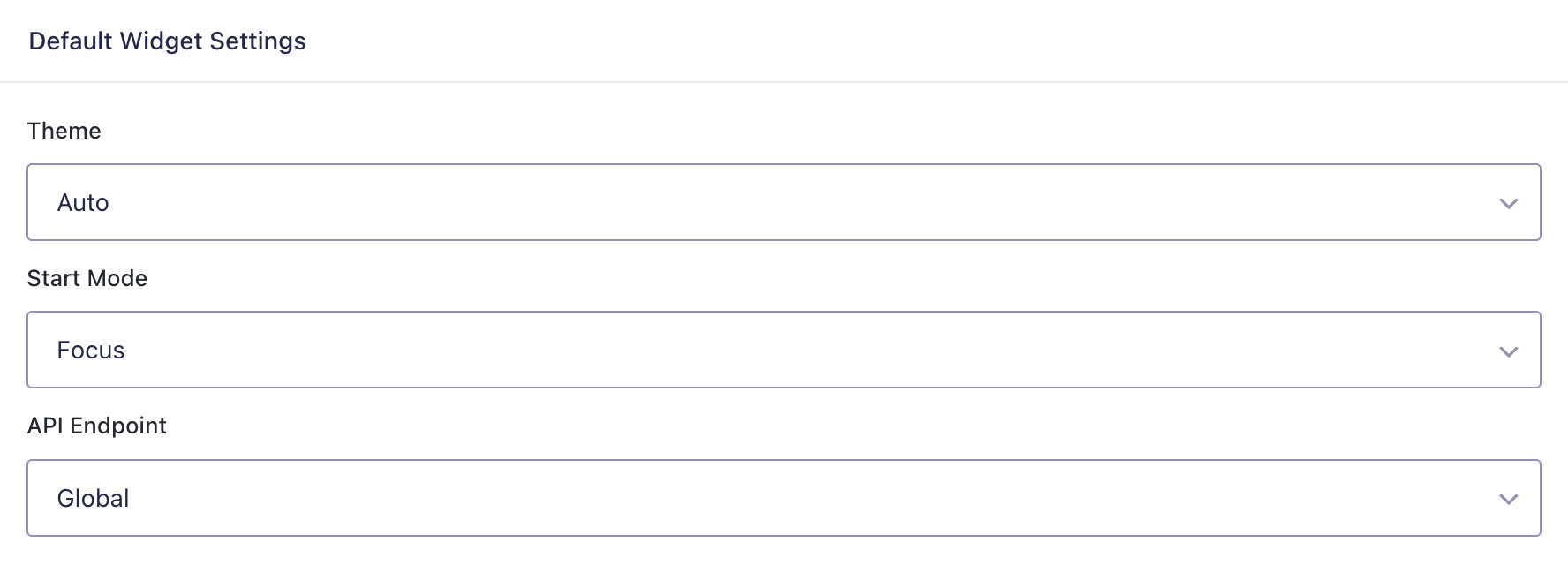
Default Widget Settings
Theme
Controls the default widget appearance:
- Auto — follows the visitor’s preferred color scheme
- Light
- Dark
The default is Auto.
Start Mode
Controls when the widget begins solving the challenge:
- Focus — starts when the visitor interacts with the form
- Auto — starts automatically
- None — waits to be started manually
The default is Focus.
API Endpoint
Select the Friendly Captcha verification region:
- Global
- EU
Choose the endpoint appropriate for the Friendly Captcha application and data-residency requirements.
Advanced Settings
Accept Configuration Errors
When enabled, the add-on accepts a submission if Friendly Captcha returns an HTTP 400 or 401 configuration or authentication error.
This fail-open behavior does not apply to general network failures, unexpected responses, or other HTTP errors.
Leave this disabled when submissions should always be rejected if verification cannot be completed.
Disable Submit Until Complete
When enabled, form submit buttons remain disabled until the Friendly Captcha widget reports that its challenge has completed.
The buttons are disabled again if the response expires or the widget reports an error.
Server-side verification is still performed when the form is submitted.

Field Settings
Select the Friendly Captcha field in the form editor to configure its standard Gravity Forms settings and the following add-on-specific options.
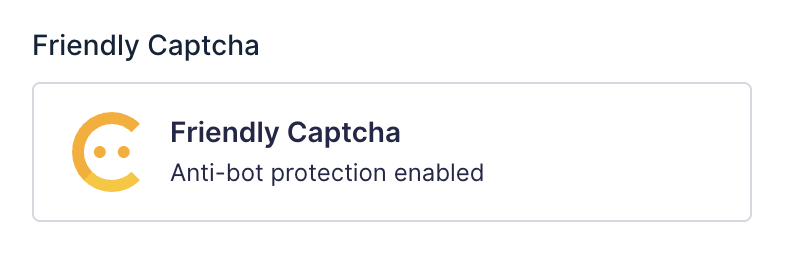
Field Theme
Overrides the global theme for this field:
- Use Global Default
- Auto
- Light
- Dark
Field Start Mode
Overrides the global start mode for this field:
- Use Global Default
- Focus
- Auto
- None
Custom Validation Message
Use the standard Gravity Forms Custom Validation Message setting to replace the default message displayed when Friendly Captcha validation fails.
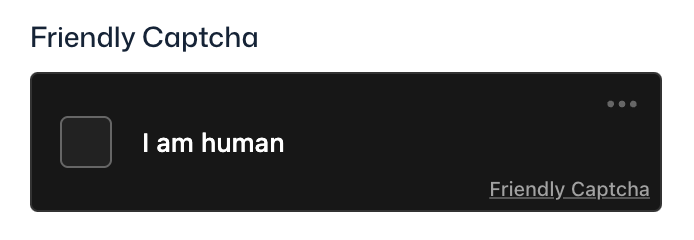
Verification Behavior
When a protected form is submitted:
- The browser submits the Friendly Captcha response token with the form.
- The add-on sends the token and configured site key to the selected Friendly Captcha v2
siteverifyendpoint. - The API key is included in the authenticated server-side request.
- The form is accepted when Friendly Captcha reports successful verification.
- The form displays a validation error when the response is missing, invalid, expired, already used, or cannot be verified.
Verification is synchronous, so Friendly Captcha response time can affect form-submission response time.
The captcha token is a display-only value and is not stored in the Gravity Forms entry.
Failure Behavior
By default, the form is not submitted when:
- Friendly Captcha credentials are missing
- The challenge has not been completed
- The response is invalid
- The response has expired
- The response has already been used
- The site key or API key is invalid
- The verification request fails
- Friendly Captcha returns an unexpected response
A custom validation message configured on the field takes precedence over the default error message.
If the fail-open setting is enabled, HTTP 400 and 401 configuration errors are accepted. Other verification failures continue to block submission.
External Services
The add-on communicates with Friendly Captcha to:
- Load the Friendly Captcha browser SDK
- Validate configured credentials
- Verify submitted captcha responses
Frontend SDK assets are loaded from jsDelivr. Server-side verification requests are sent to the selected Friendly Captcha Global or EU endpoint using the WordPress HTTP API.
No captcha response token is saved to the Gravity Forms entry.
Permissions and Security
The add-on defines these Gravity Forms capabilities:
gravityforms_friendlycaptchagravityforms_friendlycaptcha_uninstall
The settings capability controls access to the add-on settings. The uninstall capability controls access to the Gravity Forms uninstall action.
Additional security behavior includes:
- Server-side verification of every submitted response
- Password-style display for the API key setting
- Sanitization of plugin and field settings
- Escaping of rendered values and user-facing messages
- No storage of captcha response tokens in form entries
- No logging of the API key by the add-on
Known Limitations
- Only Friendly Captcha v2 is supported
- Only one Friendly Captcha field can be added to a form
- Credentials are configured globally rather than per form
- All protected forms use the same site key and API key
- Per-field customization is limited to theme, start mode, and validation-message settings
- Multipage forms should place the field on the final page
- Verification depends on the availability and response time of the Friendly Captcha API
- The optional fail-open behavior applies only to HTTP 400 and 401 responses
- The Friendly Captcha browser SDK is loaded from an external CDN
- This Gravity Labs project is not officially supported